Skip to content
How to Photograph Coins With an iPhone
To photograph coins with an iPhone, hold the phone level and steady on a stand, use the 2x or 3x lens instead of digital zoom, tap and hold to lock focus and exposure, clean the lens, and shoot under soft, even light. Those basics work with any setup. The harder part is the light itself. Shiny, curved coins throw glare, hide toning and shift color, and most of the problems people blame on the phone are really lighting problems.
This guide covers both. First come the general iPhone tips anyone can use today. Then come the most common phone coin photography problems, and how the Halumin-C solves each one.
Quick Answer
- Stabilize the phone on a stand, parallel to the coin.
- Use the optical 2x or 3x lens. Avoid pinch-to-zoom digital zoom.
- Tap and hold for AE/AF Lock, then lower exposure slightly.
- Clean the lens and shoot in soft, diffuse light.
- Keep edits basic: crop, color and contrast.
What Are the Best General iPhone Tips for Coin Photos?
These tips work with any lighting, from a window to a desk lamp.
Stabilize the Phone
Handheld shots blur and tilt. Put the phone on a tripod with a phone clamp, a copy stand or a rigid overhead arm, and keep the lens parallel to the coin so the rim stays round. Use the self-timer or a Bluetooth shutter so tapping the screen doesn’t shake the phone.
Use Optical Zoom, Not Digital Zoom
Pinching to zoom past your phone’s optical lenses enlarges pixels and softens detail. Choose the 2x or 3x lens button instead (the options depend on your model), back the phone off until the coin fills most of the frame, and crop afterward. Macro mode can focus very close, but at that distance the phone blocks the light and every reflection gets magnified. If macro switches on by itself, Apple explains how to control it in the iPhone User Guide.
Lock Focus and Exposure
Press and hold on the coin until AE/AF Lock appears. That stops the phone from refocusing or brightening between shots. Then drag the sun slider down a little so bright silver and luster don’t blow out to white.
Clean the Lens
A pocket-smudged lens adds haze and flare. Wipe it with a microfiber cloth before every session.
Shoot in Good, Diffuse Light
Big, soft light is kinder to coins than a small bare bulb. Bright shade, a window with sheer curtains, or a lamp through tracing paper all work. Turn off other room lighting so you’re not mixing color temperatures.
Keep Edits Basic
Crop, straighten, and adjust color and contrast lightly. Heavy filters, sharpening or AI enhancement can misrepresent a coin’s surfaces, which matters if you’re selling it or asking about a grade.
Why Do Coins Still Look Bad on an iPhone?
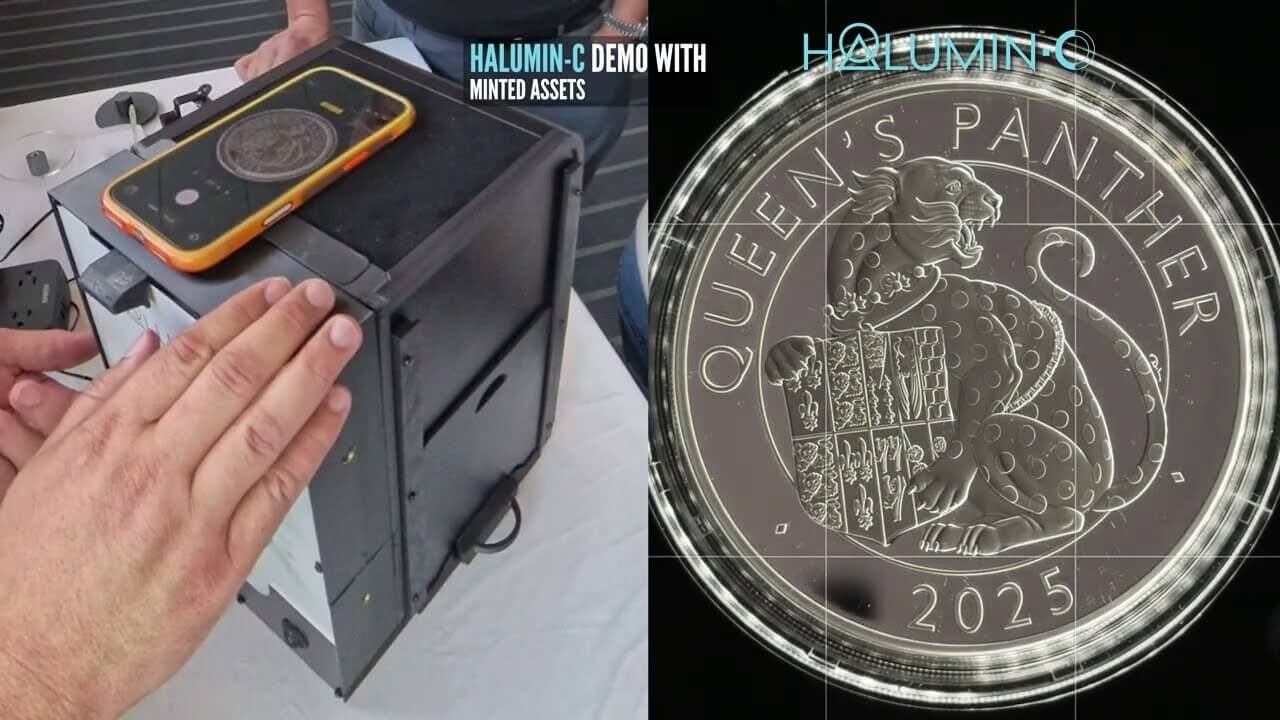
Even with perfect phone technique, coins are small, curved mirrors. The camera records what the coin reflects, so a general light source can only do so much. Below are the problems collectors raise most often, and how the Halumin-C handles each one. The Halumin-C (patent pending) is three lighting systems in one device: axial, tone and open cylindrical. Your phone sits on top of the lid, and almost any camera or phone that can focus at about 6 inches works with it.
How Do I Get Rid of Glare on Coin Luster and Slabs?
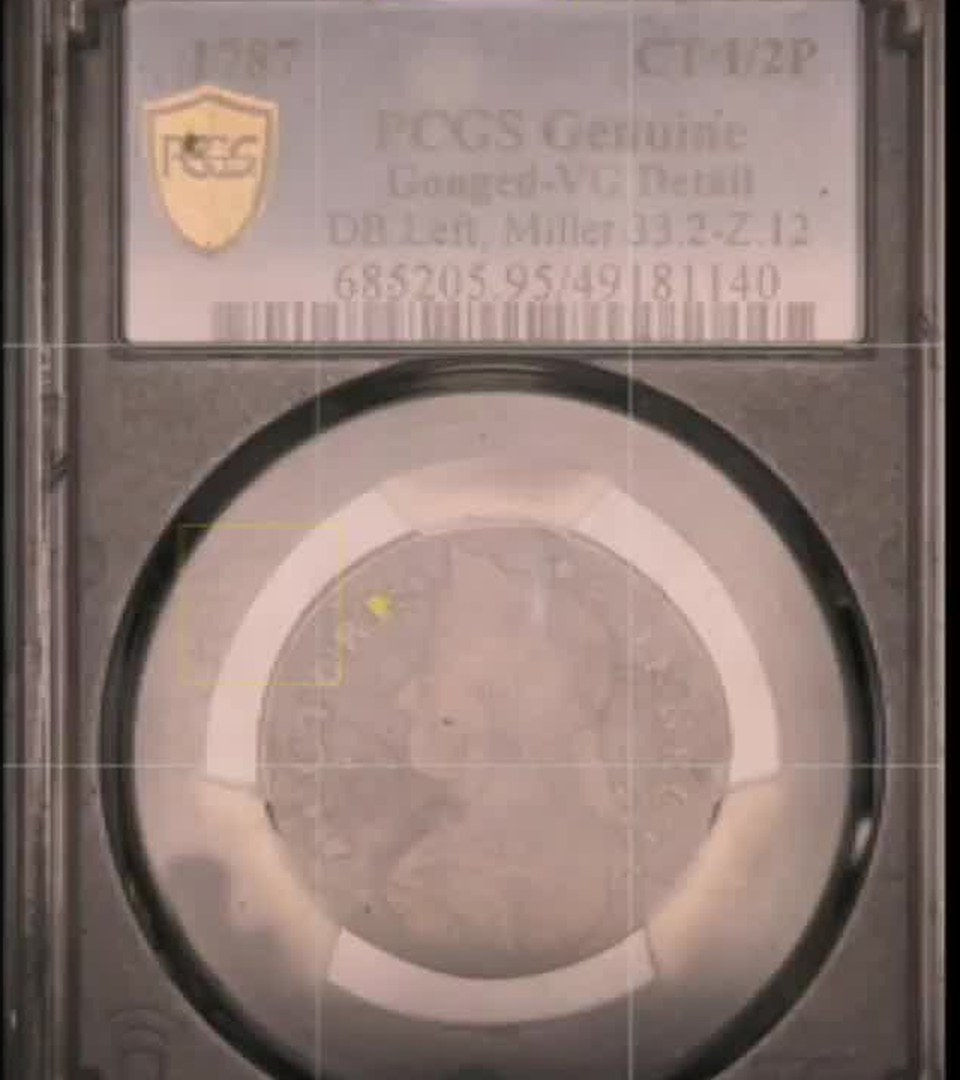
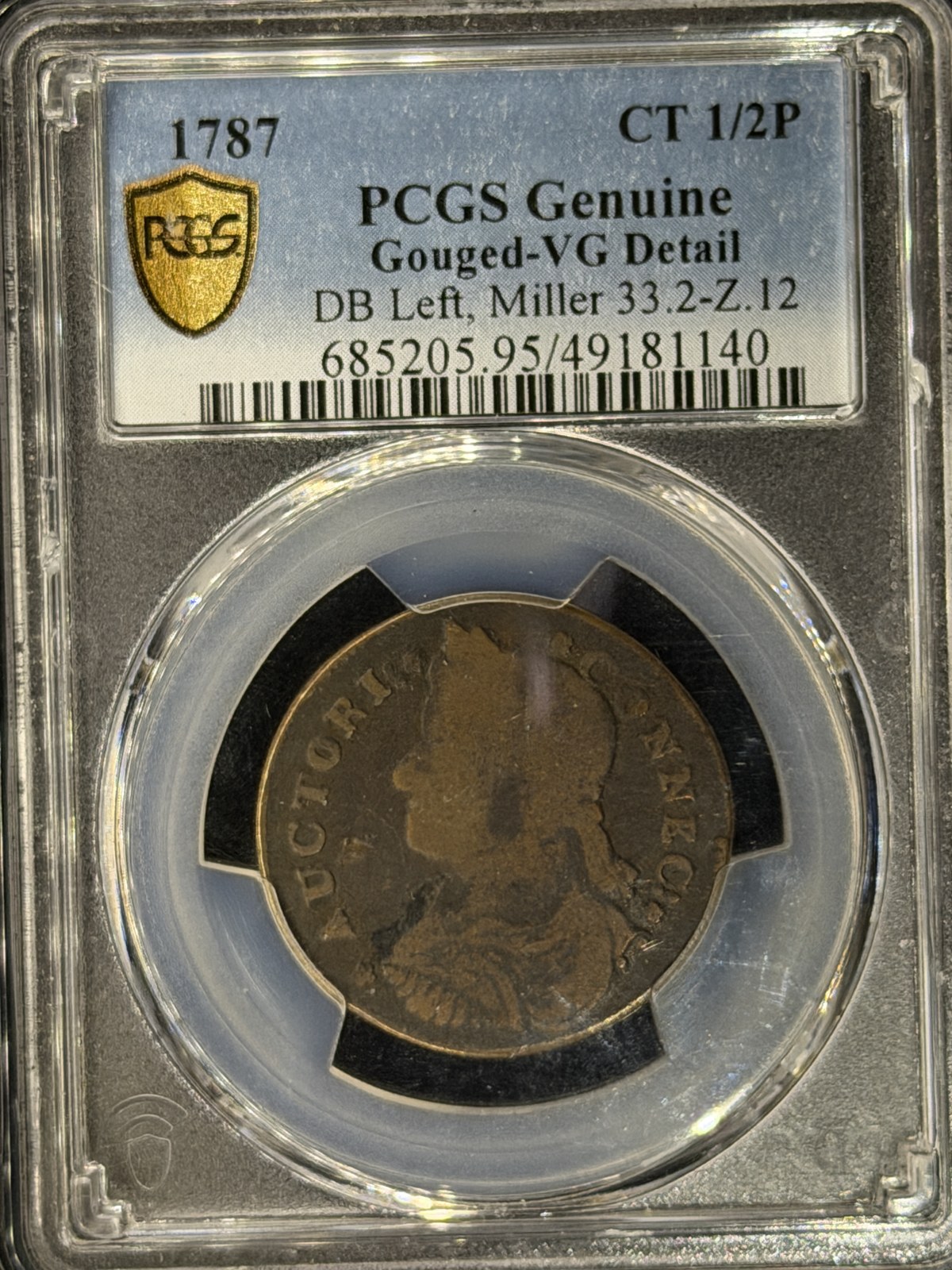
Glare happens when a light source reflects straight back into the lens off a slab, a flip or a mirror field. With general lighting you can only move the lamp around and hope. In the Halumin-C you balance the Axial Light, Tone Light, Halo Left and Halo Right sliders until the glare drops away, without moving the coin or the phone.
How Do I Fix Uneven or Harsh Light on a Coin?
A single desk lamp lights one side and leaves the other dark, and a small bare source turns every contact mark into a bright speck. The Halumin-C surrounds the coin with its wide Open Cylindrical™ halo, and the left and right halo sliders let you even out or shape the light from each side.
How Do I Show Toning That the Camera Hides?
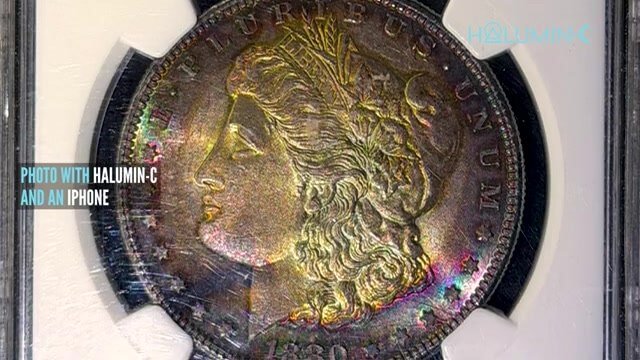
Toning shows up only at certain angles of light, so a flat or overhead source can make a beautifully toned coin look gray. The Halumin-C has a dedicated tone light for toned coins. Bring it up gradually with its slider until the colors appear the way they do in hand.
Why Do My Coin Photos Look Orange or Blue?
Mixed light sources (a warm bulb plus a window, for example) confuse the phone’s white balance. The Halumin-C provides one consistent lighting source, and with the lid on you can get great images in any room without dimming room lighting. For the most accurate color, set white balance from a gray card in the same light.
How Do I Stop Shadows on My Coin Photos?
Leaning over the coin, or holding the phone between the coin and the lamp, casts shadows across the surface. In the Halumin-C the lighting devices are built around the coin, and the phone rests on the lid, so you and the phone stay out of the light path.
Do I Need Editing or Focus Stacking With the Halumin-C?
No. The Halumin-C is built to give you the optimal coin image in camera in a single shot, needing only basic color and contrast adjustments. Combining multiple exposures in post is optional. It works with your camera or phone, with no downloads, subscriptions, extra fees or AI.
Handy Gear for This Kind of Shoot
- Dust blower: WOLFBOX MF100 electric air duster. Dust shows up on shiny coins and holders, so I give each coin a quick blast before I shoot it.
As an Amazon Associate I earn from qualifying purchases.
Frequently Asked Questions
How Do You Photograph Coins With an iPhone?
Put the phone on a stand parallel to the coin, use the 2x or 3x lens instead of digital zoom, press and hold to lock focus and exposure, clean the lens and shoot in soft, diffuse light. Then crop and make basic color and contrast edits only.
Should I Use Macro Mode for Coin Photos on My iPhone?
Usually not. Macro mode focuses very close, which puts the phone in the way of the light and magnifies every reflection. Back off, use the 2x or 3x lens and crop.
How Do I Lock Focus and Exposure on an iPhone?
Press and hold on the coin until AE/AF Lock appears, then drag the exposure slider down a little so bright silver doesn’t clip.
Should I Use Digital Zoom for Coin Photos?
No. Digital zoom enlarges pixels and softens detail. Use your phone’s optical 2x or 3x lens and crop afterward.
How Do I Remove Glare From a Slabbed Coin Photo?
Glare is a light source reflecting straight back into the lens. With general lighting, move the source to the side and tilt it. With the Halumin-C, balance the axial, tone and halo sliders until the glare drops away without moving the coin or phone.
Why Does My Toned Coin Look Gray in Photos?
Toning only shows at certain light angles. The Halumin-C has a dedicated tone light you raise gradually until the colors match what you see in hand.
Does the Halumin-C Work With Any iPhone?
It works with almost any camera or phone that can focus at about 6 inches. The phone sits on top of the lid, with no downloads, subscriptions, extra fees or AI.
Do I Need to Edit Coin Photos Taken With the Halumin-C?
Only basic color and contrast adjustments. The Halumin-C is designed to give you the optimal coin image in camera in a single shot.
Summary
Good iPhone coin photos start with a steady phone, optical zoom, locked focus and exposure, a clean lens and soft light. When glare, harsh light, hidden toning, color shifts or shadows still get in the way, the Halumin-C solves them in one device, so you get the optimal coin image in camera in a single shot.
Want to go deeper? Read the complete Halumin-C coin photography guide or see the Halumin-C overview page.
Disclosure: this guide is published by Halumin, maker of the Halumin-C (patent pending) and the Halumin H18 (U.S. Patent No. 12,181,778). All of the techniques here also work with the gear you already own.
See Halumin in person: catch our live lighting device demos at an upcoming coin show or event.