Skip to content
Tile. Those flat, shiny squares you walk past on the way to the sloppy eating parts of the house. Nobody wakes up excited to photograph them, and that is exactly why I wanted to try: if tile product photography could be fun, anything could. On the table were a plain white faceted 3×6 tile and a light gray crackled tile with a rippled glaze, two wallflowers waiting for the right light.
My secret weapon was the Halumin H18, the Swiss Army knife of lighting devices. And if things got messy, well, tile cleans up easily.
Key Takeaways
- Glazed tile behaves like a mirror: light what it reflects, not the tile itself.
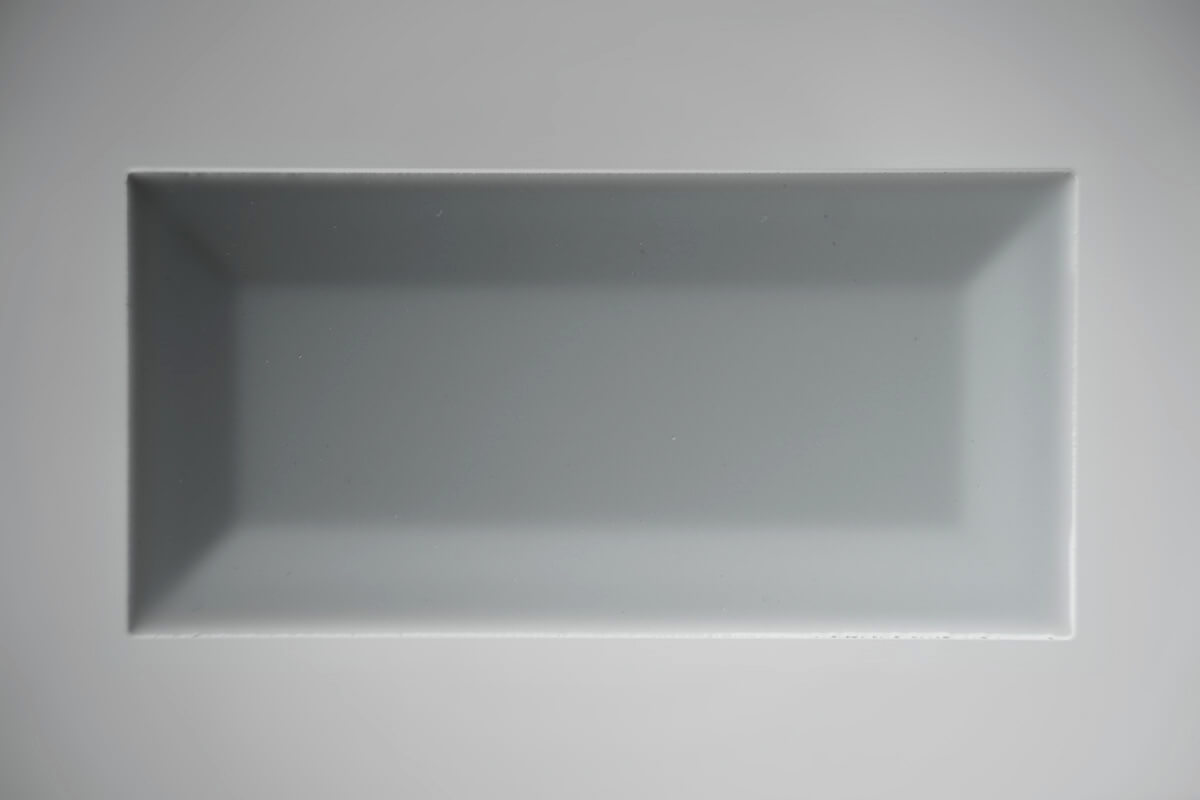
- A flat lay under the H18 shows the facets of white tile with depth.
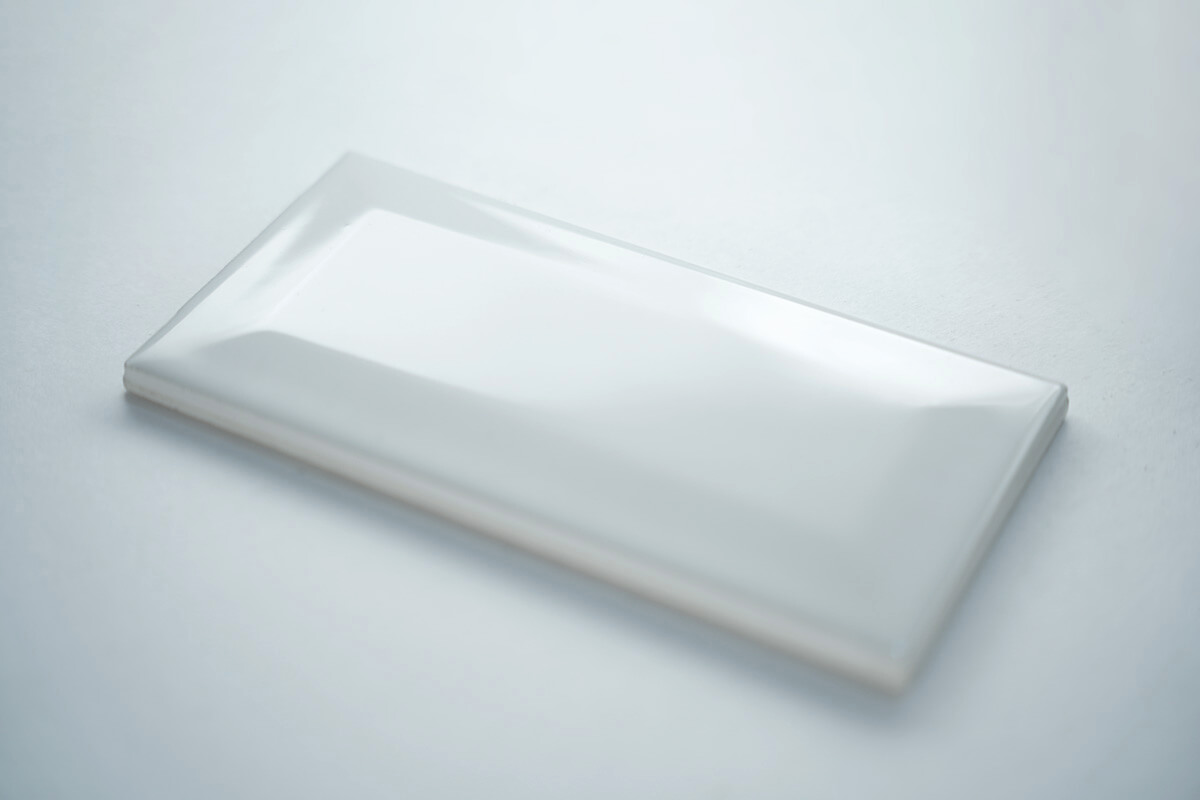
- A side angle catches the light in the gloss without hard shadows.
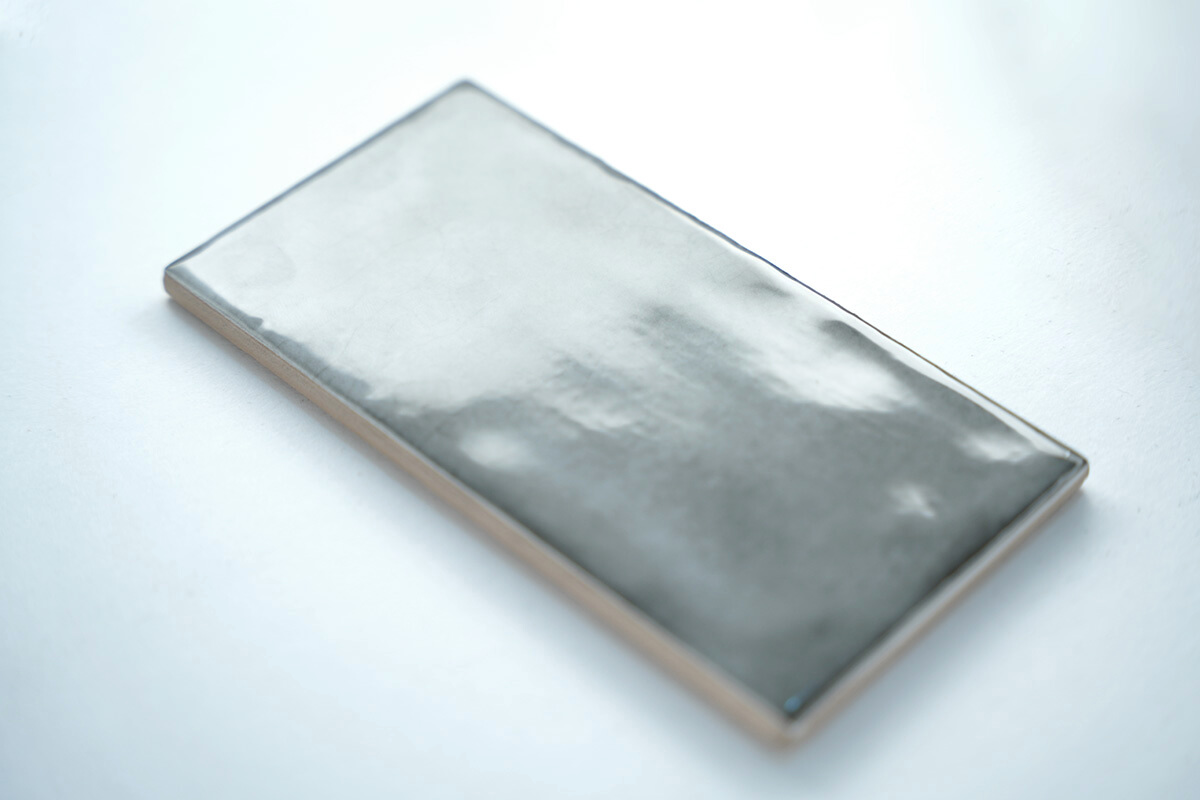
- Shoot textured glaze at an angle so the glare reveals the texture.
Watch the Tile Product Photography Session
The video goes from the white tile flat lay to the side angle and the rippled gray glaze.
Why Tile Is Hard to Photograph
Tile is flat and often glossy, so a normal light either flattens it or blows out the glaze with a hot spot, a harsh specular reflection. The H18 creates an unbroken narrow cylinder of light around the tile, which produces an even, curved reflection across the glaze and gives a flat object depth and dimension.
How to Photograph Tile for E-Commerce
- White tile flat lay. Lay the tile flat in the staging area and shoot from above. The H18 brings out each facet.
- White tile side angle. Shoot from a low side angle to catch the light in the gloss. The open cylinder gives reflections without a hard shadow.
- Textured gray tile. Angle the camera so the glare from the H18 rakes across the rippled glaze and shows its texture.
- Adjust softness. Move the tile away from the camera for softer light, toward the camera for more texture.
Lighting Glazed and Textured Tile
The trick is to decide what the glaze should reflect. With the H18 that reflection is a clean, continuous band of light. For white tile on white, see product photography with a white background.
Pro Tip
Wipe tile with a microfiber cloth before every frame. Glossy glaze shows dust and fingerprints instantly.
The Halumin H18 Lighting Device
The Halumin H18 is a patented open cylindrical lighting device (U.S. Patent No. 12,181,778). Its 18 x 18 x 8 inch staging area fits small products, full plates of food and bottles, and it folds from 36 x 36 inches down to 15 x 15 x 8 inches and weighs about 4 pounds. Move your subject away from the camera and the light gets softer; move it toward the camera and textures get more pronounced; bring it forward of the staging area and you get seamless rim lighting. Fold sections of the light control rings outward wherever you want more light.
The H18 runs on one or two speedlights mounted directly on its legs, or on studio strobes and continuous LEDs through the Studio Lighting Adapter. Use speedlights of 80Ws or more, studio strobes up to 500Ws, and LEDs no brighter than about 120 W to prevent heat damage.
Recommended for this shoot: Halumin H18 Studio Set: H18 + Studio Lighting Adapter ($599). Tile shoots are usually done in a studio or showroom, and the Studio Lighting Adapter lets you run the H18 on studio strobes or LEDs as well as speedlights.
Gear for Flat Product Photography
Simple tools for flat, shiny products.
Handy Gear for This Kind of Shoot
- Tripod with ball head for consistent overhead and angled framing: Manfrotto Element MII Aluminium Travel Tripod with Ball Head
- Microfiber cloths for glossy glaze: MagicFiber Microfiber Cleaning Cloths (6-pack)
- White poster board as a clean flat lay surface: Pacon White Poster Board, 22 x 28 in
As an Amazon Associate I earn from qualifying purchases.
Frequently Asked Questions
How Do You Photograph Shiny Tile Without Glare?
Control the glare instead of removing it. The H18 turns it into an even reflection that shows the glaze. If you need to cut reflections further, a polarizing filter can tame glare at some angles.
What Angle Is Best for Tile Product Photography?
Use a flat lay to show the face and facets, and a low side angle to show gloss and texture.
How Do You Show Texture on Glazed Tile?
Shoot at an angle so the light rakes across the surface; the glare highlights the ripples.
Can I Use the Halumin H18 for E-Commerce Product Photos?
Yes. The H18 is built for small products, and its staging area is 18 x 18 x 8 inches.
How Long Does the H18 Take to Set Up?
About three minutes.
It’s a Wonderful Light
Flat lay for the face, side angle for the gloss, and an angled shot for texture: tile product photography gets a lot more interesting with the H18.
Keep going: